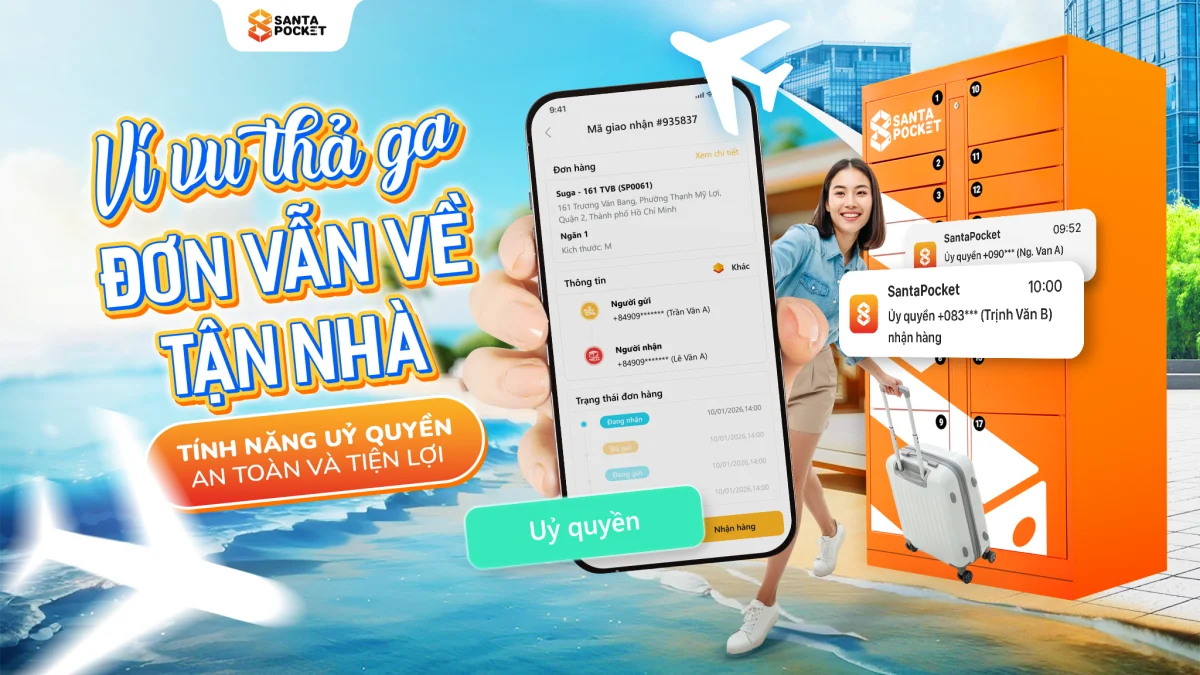
Have you ever been in a situation: While relaxing on a long-awaited trip, the shipper calls to request urgent delivery? The feeling of "low mood", worrying about lost goods or having to bother neighbors to get help is the obsession of many shoppers. Don't let small problems ruin your trip. With the development of Smart Locker technology,authorization featureon the SantaPocket application has become the "secret weapon" to help you manage orders anytime, anywhere in the safest and most secure way.
1. Risks when receiving goods in the traditional way
If you are still using the method of asking a relative to pick it up for you or instructing the shipper to "throw it away" somewhere, consider the following 3 risks:
-
Lost and stolen:Goods left unattended in the apartment lobby or in front of the house can easily be "mishandled".
-
Privacy violation:You may not want the recipient to know what you bought, or simply don't want to disturb their private time.
-
Damage due to weather:Hot sun or sudden rain can damage the quality of the product inside if not stored in a closed cabinet.
2. SantaPocket authorization feature: A game-changing solution
Authorization featureIt's not just about sharing codes to open cabinets. This is a digitally secure process that helps you hand over delivery rights to someone else while still maintaining maximum control.
Why is this feature superior?
-
Recipient identification:Only the phone number authorized by you can open the cabinet. This completely eliminates exposing QR codes to strangers.
-
Transparent history:The App will record the exact time the authorized person picked up the goods, giving you absolute peace of mind when you are far away.
-
100% online operation:You don't need to send a physical key or magnetic card, everything is processed via an Internet connection.
3. Detailed instructions on how to authorize remote receipt of goods
To experience a "worry-free" trip, follow this precise 4-step process:
Step 1: Navigate Shipper to send goods to the cabinet
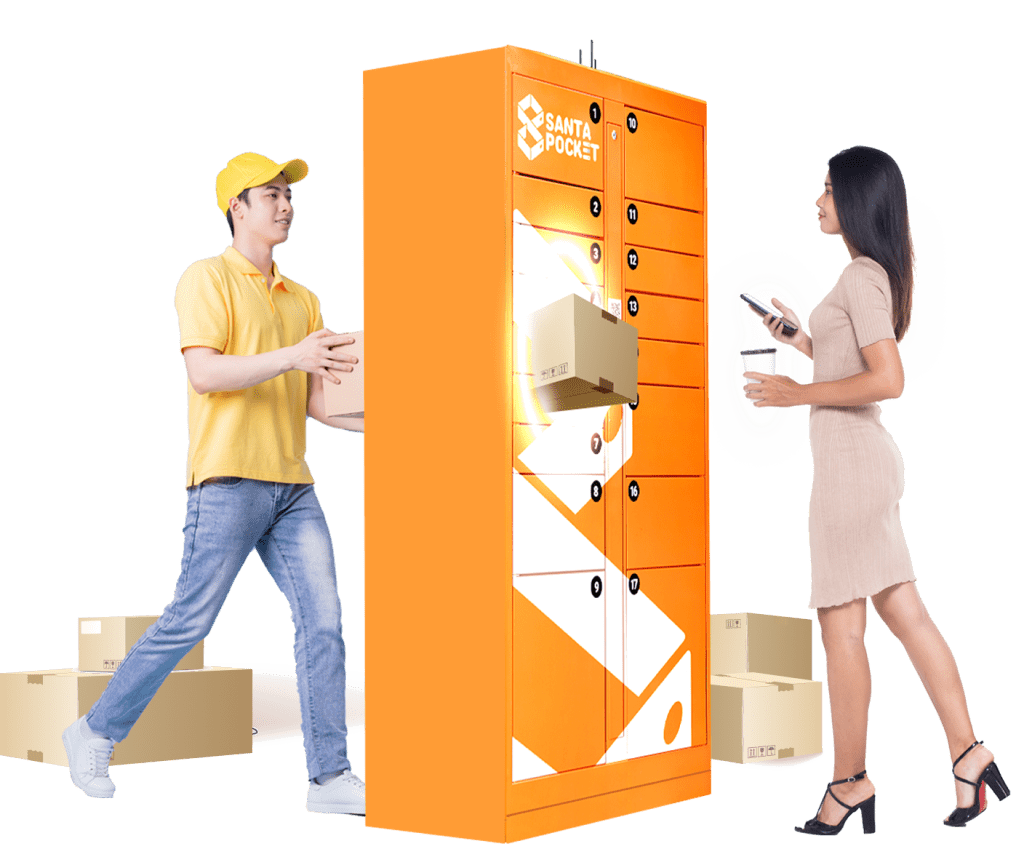
When receiving a call from a shipper, ask them to send it to the nearest SantaPocket locker. You can instruct the shipper on quick operations or send a video tutorial if they are using it for the first time.
Step 2: Check the status on the application
As soon as the goods are safely in the cabinet, your phone will receive a notification "Waiting for pickup". This is when the order is under your control.
Step 3: Enable authorization feature
Access the item"Order"on the main screen -> Select the order to pick up -> Press the button"Authority". At this time, a window appears asking you to enter the recipient's phone number.
Step 4: Complete and send notification
After entering the phone number, your relatives/friends will receive a notification on their App (or via text message). They just need to go to the cabinet, scan the code and they can get the goods for you.
See more: [SantaPocket cabinet locations closest to you]
4. Answer questions (FAQ) about authorization to receive goods
To help you better understandauthorization feature, SantaPocket has compiled common questions from users:
-
Does the authorized person need to install the App?Yes, to ensure security and identification, the recipient should install the SantaPocket App with an authorized phone number.
-
Can I cancel an authorization order?Absolutely. If the person you ask is suddenly busy, you can go to the App to cancel or transfer authorization to someone else in a snap.
-
How much does it cost to use this feature?Currently, SantaPocket supports this feature completely free of charge to optimize the convenient experience for customers.
5. Going out far away, receiving goods freely
Traveling or working is no longer a barrier to your online shopping preferences. Withauthorization feature, SantaPocket doesn't just sell a locker service, we bring it to youfreedomandpeace of mind.
Download the app now and experience the 4.0 delivery style today!