If you are a "newbie" and are wondering how to use the "SantaPocket Delivery Cabinet", you cannot ignore the two simple procedures for using the cabinet below!
 DELIVERY
- Step 1: Scan the QR code on the SantaPocket cabinet
- Step 2: Choose a cabinet size that fits the package
- Step 3: Check the goods, place the goods in the cabinet
- Step 4: Close the cabinet carefully
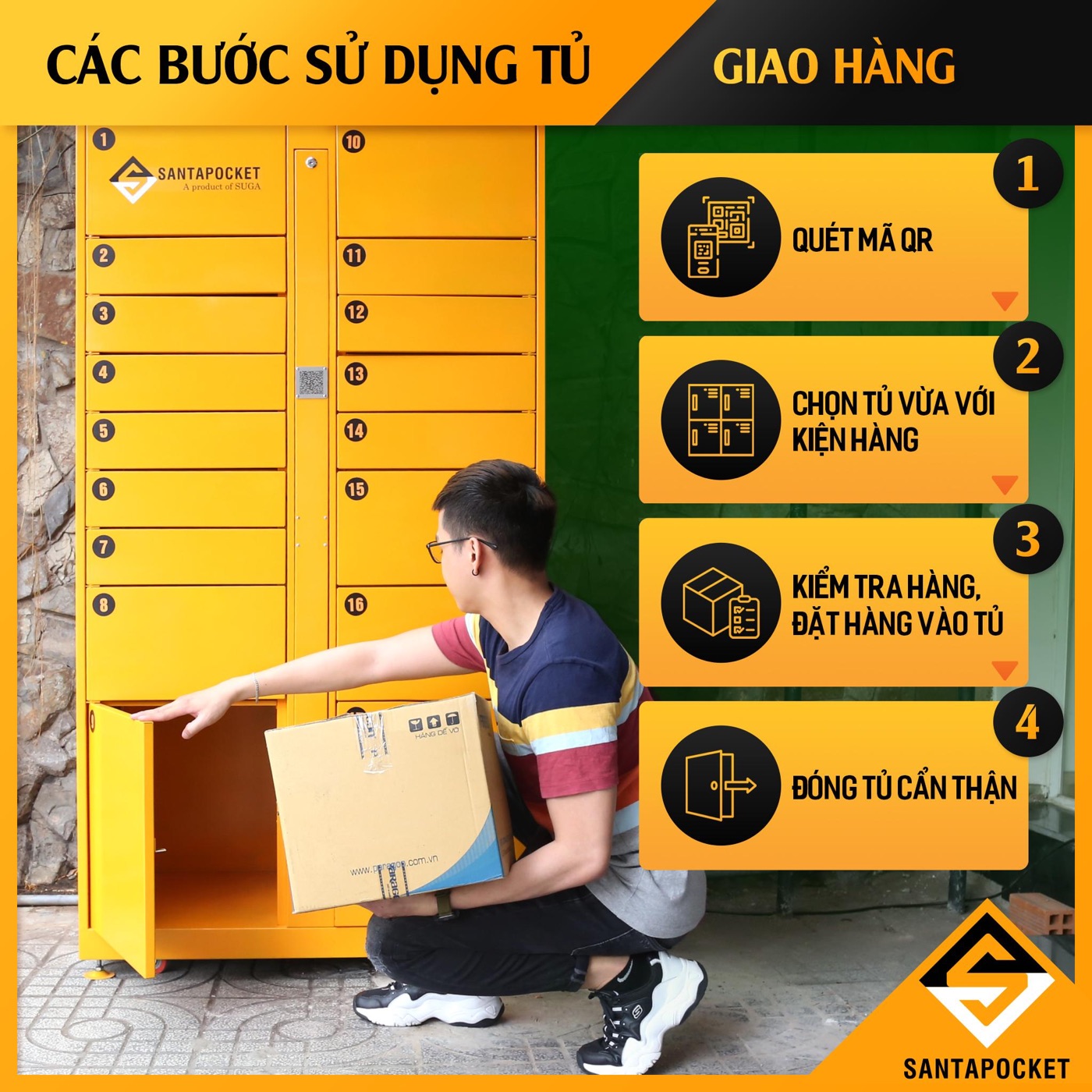 Delivery process for Shipper/Sender
 RECEIVE
- Step 1: Receive notifications from the system
- Step 2: Scan the QR code
- Step 3: Receive and check the goods
- Step 4: Close the cabinet carefully
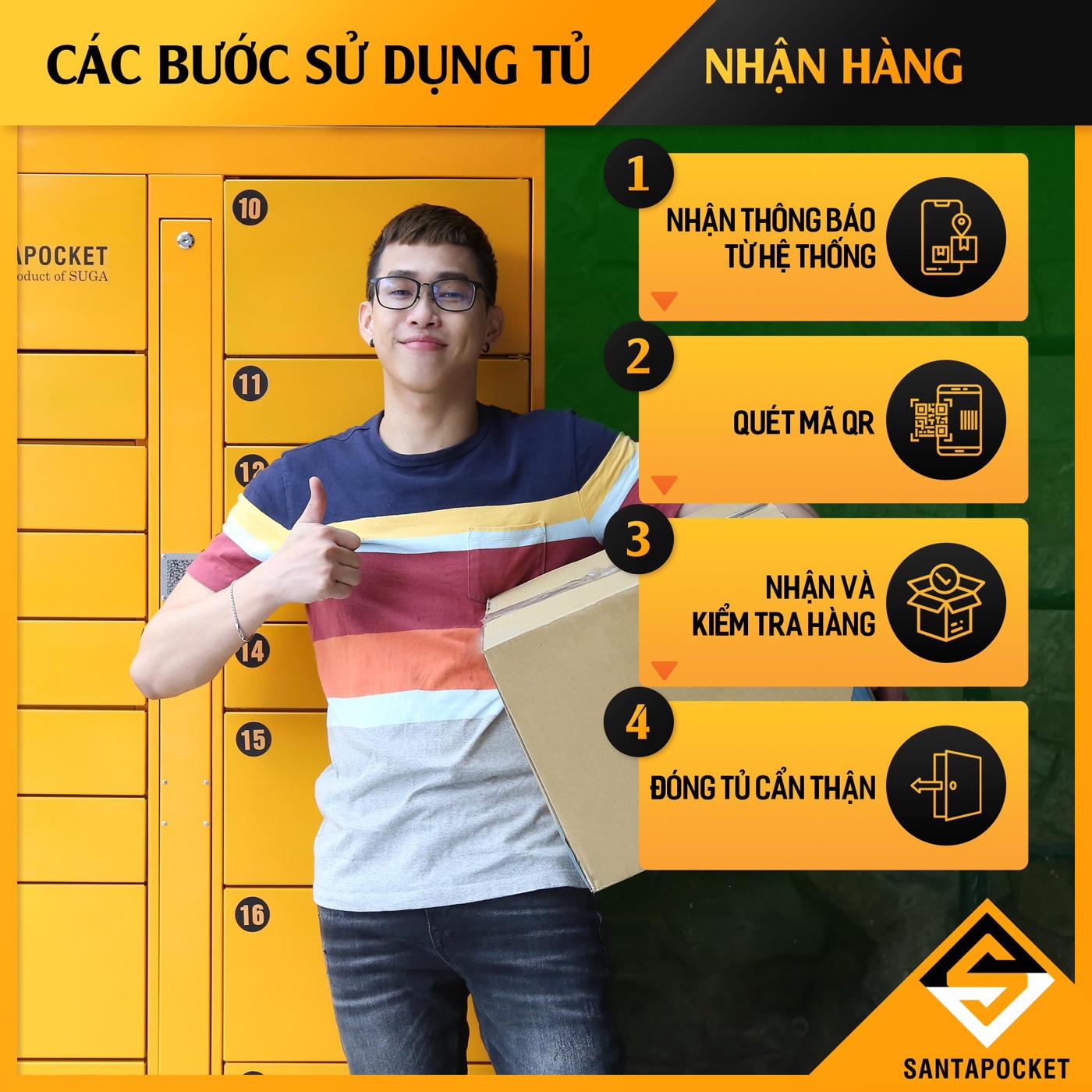 Delivery process for residents
----------------
Download the SantaPocket app at:
 iOS:https://apps.apple.com/app/id1507758260
Android:https://play.google.com/store/apps/details?id=com.sugamobile.santapocket&fbclid=IwAR2mKtBPl_sepPWPwrons5IW8mrF-KtE3kA7mI-Wa1GoFUo91iHoQXf29N0
#SantaPocket #SmartDeliveryLocker#Combros#Sugaproduct
#Tukhoatienich #TuGiaoanhanh#Sieutienichsieutietkiem#Dichvuchothuetu